How to Clean a Car Touchscreen Without Smears
Some links in my articles are affiliate links. I may earn a commission when you buy through them.
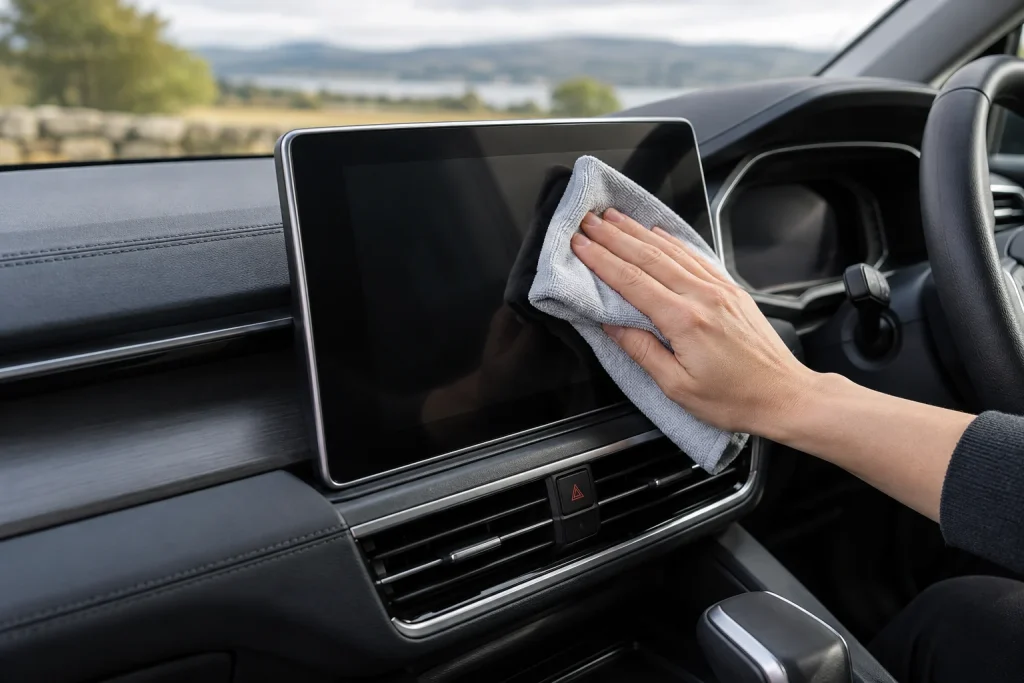
Fingerprints on the centre screen can make a clean cabin look grubby again in minutes. A spotless, dedicated cloth is the first thing I’d reach for. Park, switch off the display or use its cleaning mode, then follow the screen-care method for your car.
Start with the vehicle’s screen instructions
Displays have different coatings and care requirements. Check the model and year rather than borrowing a method from another car that happens to have a similar-looking screen.
For example, Volvo’s XC40 guidance starts with a clean, dry microfibre cloth and permits light moistening with clean water if necessary. Tesla’s Model 3 instructions specify a soft lint-free cloth and exclude wet wipes, cleaning products and dry statically charged cloths. The useful common starting point is a clean cloth; the permitted next step differs.
Choose a cloth you can keep separate
The E-Cloth three-pack is a compact format to consider for dedicated screen use. For a broader display, the WHOOSH! cloth pack offers a larger area to fold. Choose manageable size and a suitable soft, clean face.
Keep the cloth in a clean pouch, away from dashboard dressing, window cleaner and dirty door shuts. A cloth can feel soft while carrying enough residue to smear the whole display.
Wipe lightly, with the screen dark
Inspect the cloth for grit and remove loose surface dust using the vehicle’s permitted method. Make gentle passes with a clean face, turning it as it collects fingerprints. Avoid pushing hard on a stubborn patch.
Keep liquid off the display unless its instructions specifically permit the relevant method. Where a lightly damp cloth is allowed, control the moisture at the cloth rather than spraying into the screen or its edges.
Wipe the bezel separately so dirt from the boundary isn’t carried back across the display. Use another clean face for the final check.
Inspect from the driving position
Check while the display is dark and again from your normal seated position. A loaded cloth may leave a film that becomes visible only when the light changes. Use a fresh permitted cloth face rather than adding cleaner automatically.
If a patch stays unchanged, inspect any fitted protector and the screen coating before continuing. Cleaning residue, scratches and coating wear can look similar at a glance but need different responses.
Keep the quick-clean kit ready
Keep the dedicated cloth where it stays clean and easy to reach. Wash it according to its care instructions and let it dry fully before returning it to the pouch. Once it has been used for another chemical job, it should not go straight back onto the screen.
Choose the compact cloth pack if convenient storage is the main concern, or the larger cloths if you prefer more folded working faces. Then finish the surrounding cabin with the interior routine, keeping the screen’s method separate from glass and trim cleaning.